iPhone carrier unlock explained
An iPhone bought on contract is usually tied to a single operator. Carrier unlocking removes that restriction permanently so the device accepts SIM cards from any network.
How Apple handles unlocking
On iPhone the unlock status is stored in Apple's activation database, not in the phone. Once the carrier authorises the release, Apple flags the IMEI as unlocked and the change survives updates, restores and factory resets.
There is no code to type in, no jailbreak, and nothing is installed on the device. That is why a genuine IMEI unlock is considered permanent and safe.
How to check your current status
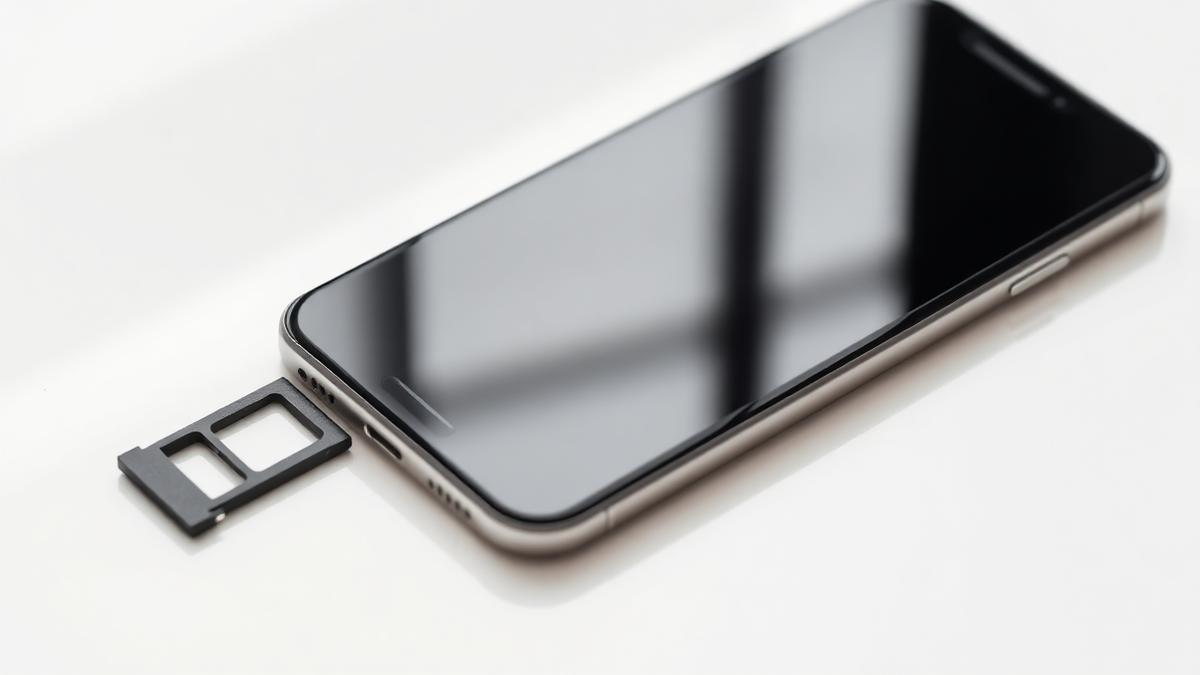
Insert a SIM from a different operator. If you see 'SIM Not Supported' or an activation lock message, the device is still carrier locked.
You can also open Settings > General > About and look for 'Carrier Lock'. 'No SIM restrictions' means the iPhone is already unlocked.
What we need from you
The IMEI, the model and the country and carrier the device was originally sold with. With that information we submit the request through the correct channel and confirm completion by email.
Nothing is charged until the unlock has been completed successfully.