Samsung network unlock: full guide

Samsung devices are unlocked with a network code (NCK) that is generated from the IMEI. Once entered, the phone accepts SIM cards from any operator.
The code method
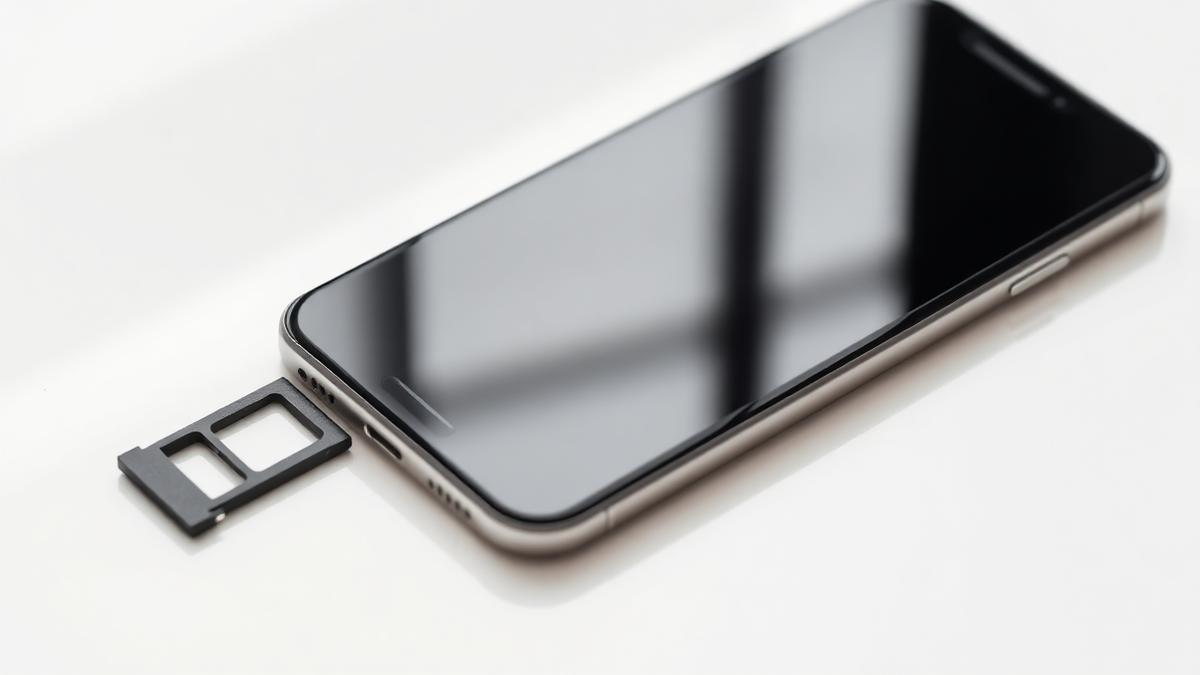
Insert a SIM card from a different network. The phone will prompt for a network unlock PIN. Enter the NCK exactly as provided, then restart the device.
Most Samsung models allow a limited number of attempts, so never guess codes. A wrong code entered repeatedly can hard-lock the device and require a service-level repair.
Newer models and remote unlocking
Recent Galaxy models sold in some regions no longer accept manual codes. Those are released remotely by the operator against the IMEI, and the phone simply needs an internet connection to pick up the new status.
We identify which route applies to your device from the IMEI, so you do not need to work it out yourself.
Before you start
Charge the battery above 50 percent, back up your data, and make sure the device is not reported lost or stolen. A blacklisted IMEI can be unlocked from the carrier side but will still be blocked by the registry.